Stop redeploying to flip a feature flag.
An in-app toolbar that overrides Angular feature flags, permissions, locales, and app features at runtime. Save presets. Never touch the backend to test a scenario.
npm install ngx-dev-toolbar 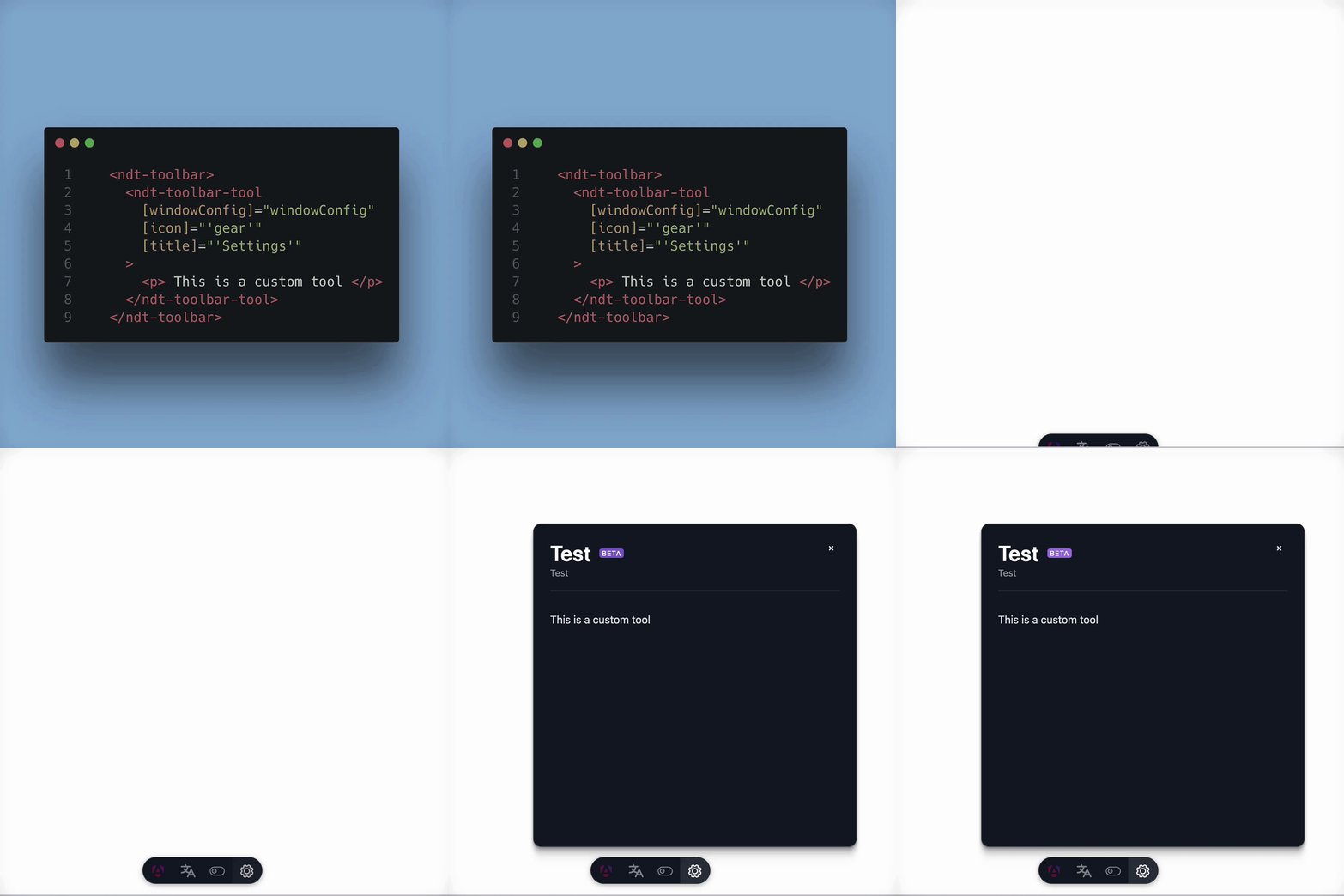
Built-in tools
Section titled “Built-in tools”Feature Flags
Toggle features on or off in real time without backend changes. Group related flags into collapsible sections, pin the ones you use most, and persist overrides across reloads.
Permissions
Force-grant or deny permissions to verify authorization logic without switching accounts.
App Features
Simulate different subscription tiers and product configurations with a single toggle.
i18n
Switch locale, timezone, currency, and RTL direction from one control surface.
Presets
Save complete toolbar configurations for QA, demo, and debug scenarios.
Custom Tools
Extend the toolbar with your own tools using the built-in component primitives.
Why developers pick it
Section titled “Why developers pick it”- Zero production impact — toolbar code is tree-shaken out of production builds
- Secure by default — only loads when
isDevMode()is true - Persistent state — overrides survive reloads via localStorage
- Hidden until summoned —
Ctrl+Shift+Dto toggle - Framework-aware — designed around Angular 19’s signals and standalone components